Meet Tue from the parent council of a 4th grade class
8 September 2026
No strangers, no ads, no algorithms. As a parent, you can see who your child is writing with.
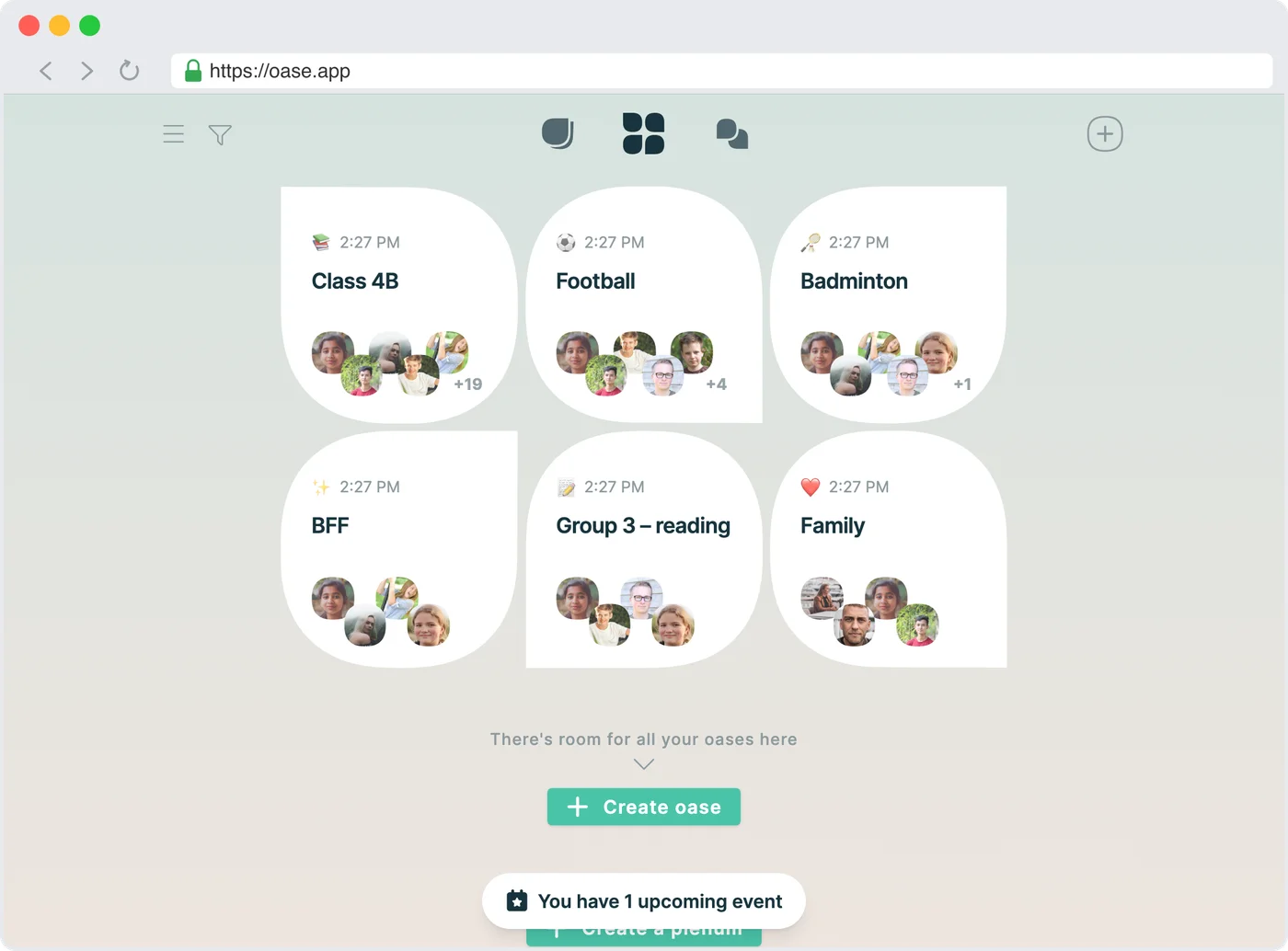
No strangers
On Oase, nobody can search for your child or send friend requests. The only way into the class's oase is the class's QR code, and children under 13 need a parent's consent.
No algorithms
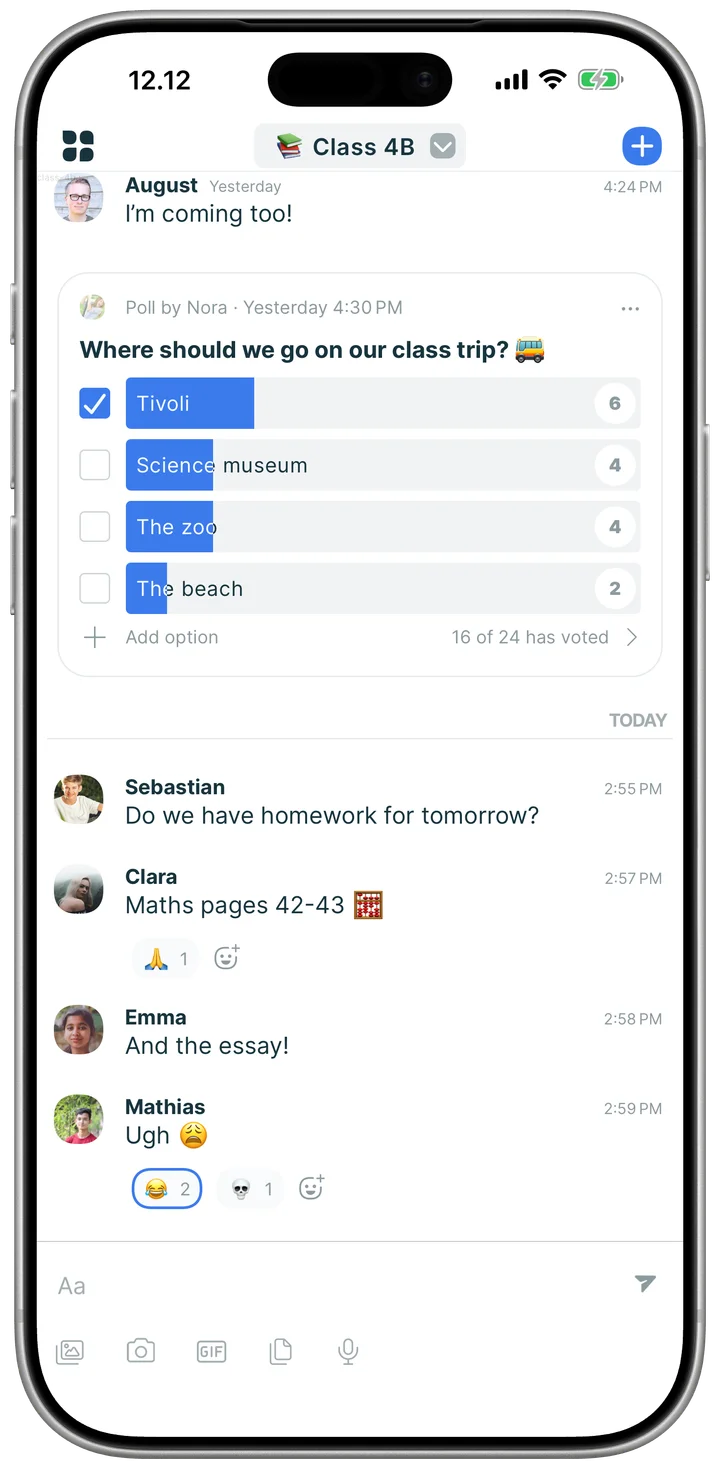
No algorithm decides what your child sees, and there are no streaks and no ads. Just the class's own messages, polls and plans.
More together
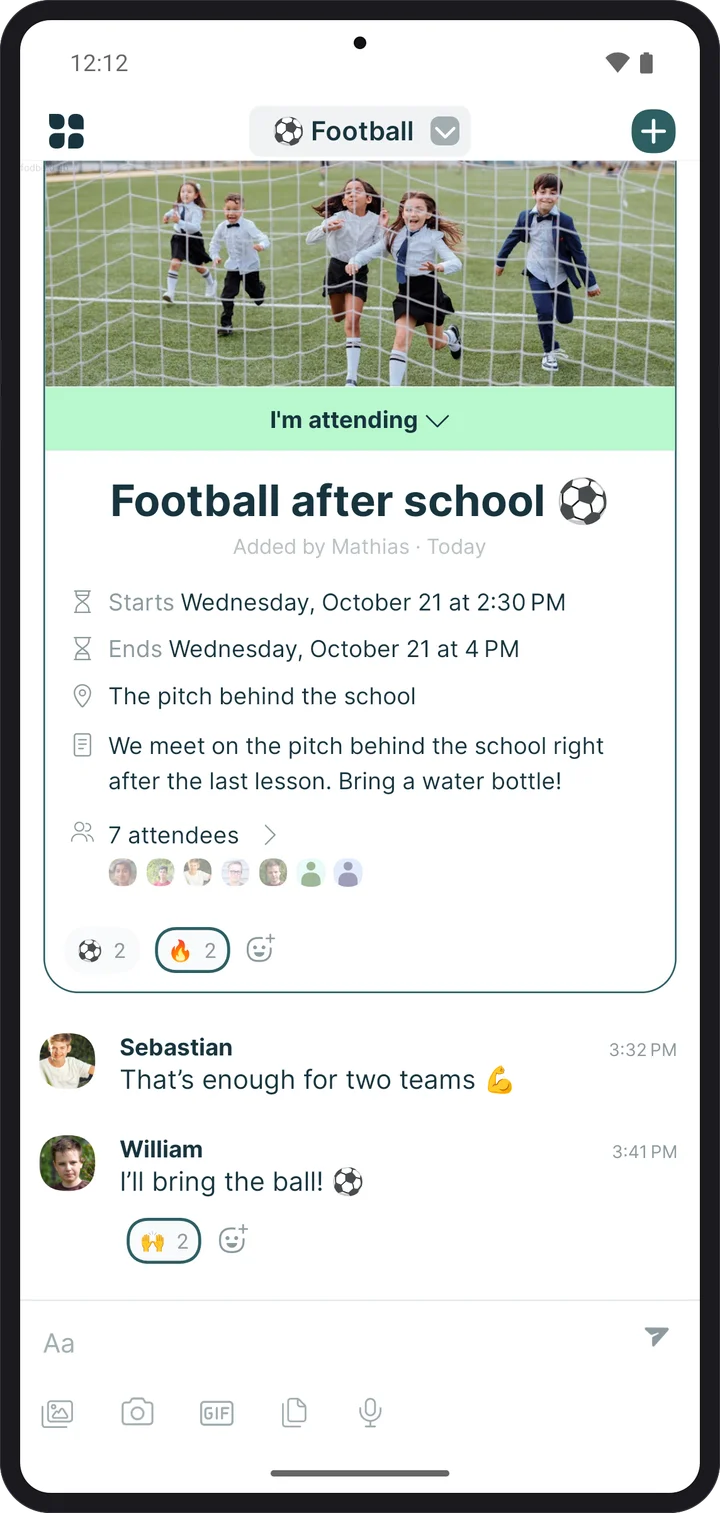
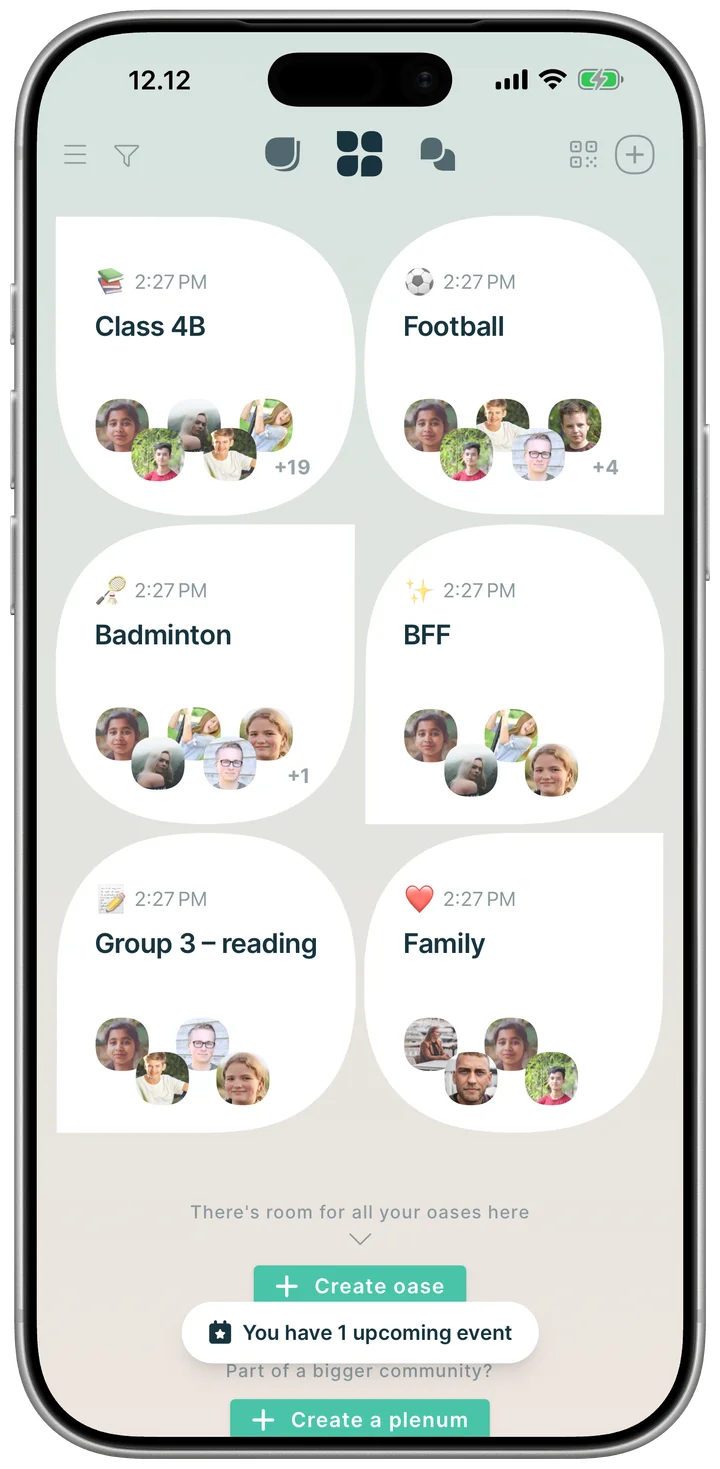
Oase is built to bring children together away from the screen: football after school, badminton in the sports hall or a trip to the beach. The plan is made in the chat, and then they meet.
One parent sets up the class's oase. Then each child takes a QR code home and joins together with a parent.
A parent creates the class's oase.
The QR code is printed and handed out in class.
At home, the child scans the code together with a parent.
The parent gives consent, and the child is in the class chat.
A parent signs up for Oase and creates a new oase for the children.
The same parent prints a QR code to hand out in class. You'll find the QR code where you normally add members to an oase.
Every child takes the QR code home.
At home, with a parent nearby, the child scans the QR code with their phone or tablet.
The child signs in to Oase with their own account.
The child is asked for their age.
Because the child is under 13, a parent has to give consent. The child is shown a QR code for the parent to scan.
The parent scans the QR code the child shows them.
The parent signs in to Oase with their own email and gives their age.
The parent gives consent for the child to use Oase.
The child now has access and is part of the class chat.
No. You can only write with people you share an oase with. There's no way to search for other people.
There's no age limit for using Oase. If you're under 13, you need your parents' consent. Giving consent is easy, and it happens right in the app.
When a parent gives consent for their child, they can also see who the child writes with.
Yes. Whoever creates an oase can change its governance to "Administrator" and take on responsibility for moderating it. Whether that's a good idea is up to each class.
Another option is for selected parents or teachers to join the oase along with the pupils. That way there's an adult present for as long as needed, to help the children get started with their digital lives.
No, not today. We encourage parents and the school to work together on children's digital literacy. A good rule of thumb: don't share anything you wouldn't be happy to see shown and read aloud in class with the teacher present.
Yes. Using Oase as a class chat is free, for children and parents alike.
“I think it was necessary to bring up the idea of Oase as a class chat in 4th grade. The kids were still young enough that we as parents could show up and shape the decision.”
8 September 2026